
We use the support dashboard to have an overview of the arriving bookings. But there are 2 other ways to also check this.
In bookingsync
-Go to calendar
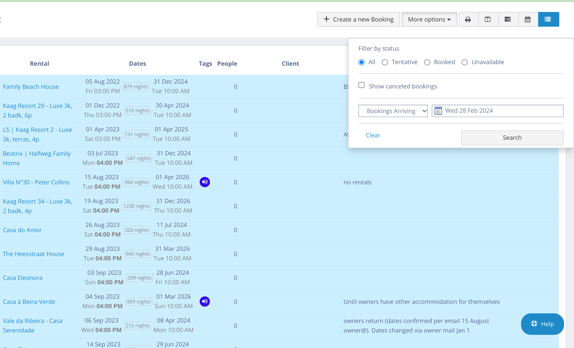
-On right side you can filter the bookings.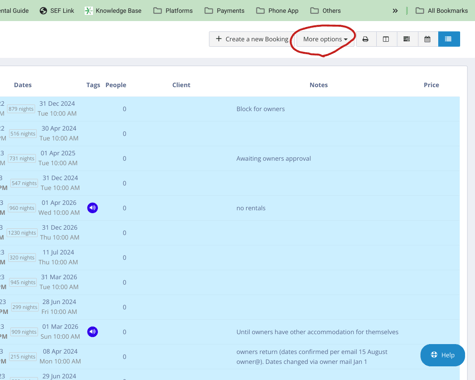
-choose all bookings and 'bookings arriving' and date of today
-press search and you will have list with all bookings arriving today
In Rental Ninja
-Log in
-Go to bookings
-Filter on right side to customize on date of today (press customized time)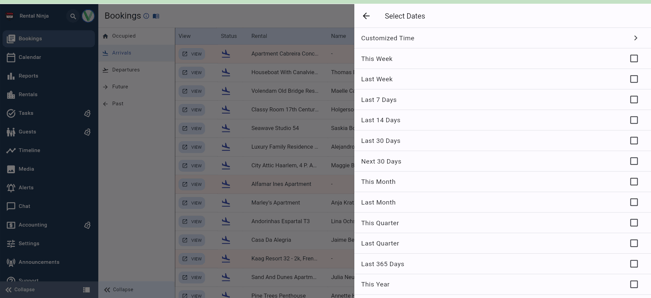

-After double clicking on the day you want, you will have list with all bookings arriving that day