
-
Click the "Transfer" Button: On your Vialer interface, find the "Transfer" button (depicted by two arrows).
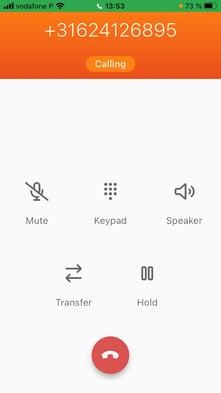
-
Enter the Destination: You can enter the recipient's number from your contact list or use internal codes for your team members as explained below.
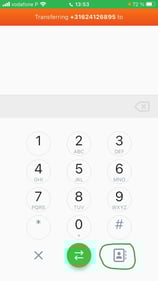
- Press the green button with the arrows in order to transfer the call. Do not hang up!
Using Internal Codes
-
Access Eigennummer and go to users.
-
Identify the Code: Find the internal code for the team member you want to transfer the call to.
you will find this on the right side.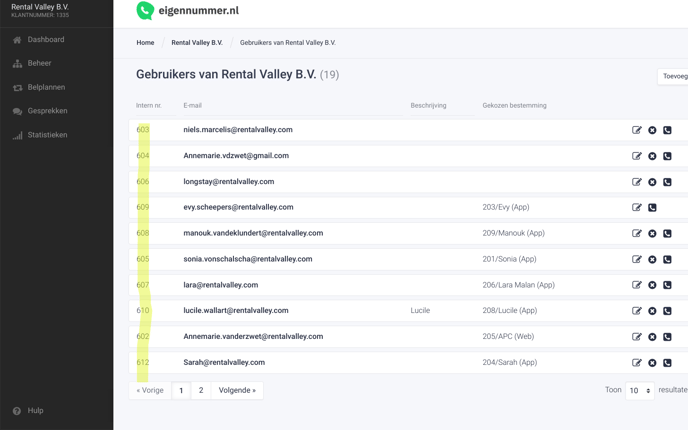
-
Enter the Code: Instead of the phone number, enter the internal code for a quick and accurate transfer. Press again the green button with the arrows in order to transfer the call.